Font Awesome Build Awesome
Try SSR Server-side rendering (SSR) generates component HTML on the server before the page loads, improving SEO and initial load time. Use the switch to see Web Awesome components render with and without SSR.
Search this website ⌘KCtrl+K Light Dark System Docs Select Color Scheme View Project on GitHub Star Project on GitHub
Start Components Docs Help Pro
Login Log into your account
Web Awesome Font Awesome Build Awesome
Search this site… /
Try SSR Server-side rendering (SSR) generates component HTML on the server before the page loads, improving SEO and initial load time. Use the switch to see Web Awesome components render with and without SSR.
Light Dark System Docs Select Color Scheme

Getting Started

  • Installation
  • Usage
  • Forms
  • Localization
  • Frameworks
  • Using with AI
  • Figma Design Kit ProThis requires access to Web Awesome Pro
  • Server Rendering

Resources

  • Accessibility
  • Browser Support
  • Contributing
  • Patterns ProPatterns require access to Web Awesome Pro
  • Migrating from Shoelace
  • Visual Tests
  • Changelog
  • Help & Support

Theming & Utilities

  • Overview
  • Built-in Themes
  • Color Palettes
  • Design Tokens
  • Customizing & Theming
  • CSS Utilities

Actions

  • Button
  • Button Group
  • Copy Button
  • Dropdown
    • Dropdown Item

Forms

  • Checkbox
  • Checkbox Group
  • Color Picker
  • Combobox ProThis requires access to Web Awesome Pro
  • Date Input ProThis requires access to Web Awesome Pro
  • Date Picker ProThis requires access to Web Awesome Pro
  • File Input ProThis requires access to Web Awesome Pro
  • Input
  • Known Date
  • Number Input
  • OTP Input
  • Radio Group
    • Radio
  • Rating
  • Select
    • Option
  • Slider
  • Switch
  • Textarea
  • Time Input

Layout

  • Accordion
    • Accordion Item
  • Card
  • Details
  • Dialog
  • Divider
  • Drawer
  • Page
  • Scroller
  • Split Panel

Navigation

  • Breadcrumb
    • Breadcrumb Item
  • Pagination
  • Tab Group
    • Tab
    • Tab Panel
  • Tree
    • Tree Item

Feedback

  • Badge
  • Callout
  • Progress Bar
  • Progress Ring
  • Skeleton
  • Spinner
  • Tag
  • Toast
    • Toast Item
  • Tooltip

Media

  • Animated Image
  • Avatar
  • Carousel
    • Carousel Item
  • Comparison
  • Icon
  • Markdown
  • QR Code
  • Video ProThis requires access to Web Awesome Pro
  • Video Playlist ProThis requires access to Web Awesome Pro
  • Zoomable Frame

Data Viz ProThis requires access to Web Awesome Pro

  • Bar Chart
  • Bubble Chart
  • Data Grid
  • Doughnut Chart
  • Line Chart
  • Pie Chart
  • Polar Area Chart
  • Radar Chart
  • Scatter Chart
  • Sparkline
  • Advanced Usage

Helpers

  • Animation
  • Format Bytes
  • Format Date
  • Format Number
  • Include
  • Intersection Observer
  • Mutation Observer
  • Popover
  • Popup
  • Random Content
  • Relative Time
  • Resize Observer

Get More with Web Awesome Pro

Pro includes all of the Awesome of Web Awesome Core. Then it adds more: powerful components, professionally designed themes and palettes, and ways to work faster in more places and with more people.

Purchase Web Awesome Pro

starting at / month

  • Pro Components Data grids, charts, media, and more
  • Pro Themes + Palettes Looks good, feels right
  • Grab + Go Design Patterns Copy, paste, ship.
  • Figma Design Kit Design and build from one source
  • Work with Your Team Everything in one workspace
  • Tools to Help You Rule Color tools, theme builder, and more
  • A License for Life Perpetually use what you buy
  • Actual Human™ Support Real help from real humans

Bar Chart

<wa-bar-chart>
ProThis requires access to Web Awesome Pro

Bar charts compare quantities across categories using rectangular bars. They work well for...

Combobox

<wa-combobox>
ProThis requires access to Web Awesome Pro

Comboboxes combine a text input with a listbox, allowing users to filter and select from...

Video

<wa-video>
ProThis requires access to Web Awesome Pro

Videos are used to embed and play video content with custom controls and captions.

Bubble Chart

<wa-bubble-chart>
ProThis requires access to Web Awesome Pro

Bubble charts add a third dimension to scatter plots by varying the size of each data...

Date Input

<wa-date-input>
ProThis requires access to Web Awesome Pro

Date inputs let users enter a date through a segmented field or select one visually from a...

Video Playlist

<wa-video-playlist>
ProThis requires access to Web Awesome Pro

Video playlists wrap multiple <wa-video> elements into a playlist with navigation...

Chart

<wa-chart>
ProThis requires access to Web Awesome Pro

Charts provide a flexible wrapper around Chart.js for building themed data visualizations....

Date Picker

<wa-date-picker>
ProThis requires access to Web Awesome Pro

Date pickers display a month grid for selecting a single date or a date range inline. Use...

Data Grid

<wa-data-grid>
ProThis requires access to Web Awesome Pro

Data grids display tabular data with sorting, selection, filtering, pinning, tree data,...

File Input

<wa-file-input>
ProThis requires access to Web Awesome Pro

File inputs allow users to select files from their device.

Doughnut Chart

<wa-doughnut-chart>
ProThis requires access to Web Awesome Pro

Doughnut charts show proportional data as slices of a ring with a hollow center. They...

Line Chart

<wa-line-chart>
ProThis requires access to Web Awesome Pro

Line charts show trends over time by connecting data points with line segments. Use them...

Bar Chart

<wa-bar-chart>
ProThis requires access to Web Awesome Pro

Bar charts compare quantities across categories using rectangular bars. They work well for...

Combobox

<wa-combobox>
ProThis requires access to Web Awesome Pro

Comboboxes combine a text input with a listbox, allowing users to filter and select from...

Video

<wa-video>
ProThis requires access to Web Awesome Pro

Videos are used to embed and play video content with custom controls and captions.

Bubble Chart

<wa-bubble-chart>
ProThis requires access to Web Awesome Pro

Bubble charts add a third dimension to scatter plots by varying the size of each data...

Date Input

<wa-date-input>
ProThis requires access to Web Awesome Pro

Date inputs let users enter a date through a segmented field or select one visually from a...

Video Playlist

<wa-video-playlist>
ProThis requires access to Web Awesome Pro

Video playlists wrap multiple <wa-video> elements into a playlist with navigation...

Chart

<wa-chart>
ProThis requires access to Web Awesome Pro

Charts provide a flexible wrapper around Chart.js for building themed data visualizations....

Date Picker

<wa-date-picker>
ProThis requires access to Web Awesome Pro

Date pickers display a month grid for selecting a single date or a date range inline. Use...

Data Grid

<wa-data-grid>
ProThis requires access to Web Awesome Pro

Data grids display tabular data with sorting, selection, filtering, pinning, tree data,...

File Input

<wa-file-input>
ProThis requires access to Web Awesome Pro

File inputs allow users to select files from their device.

Doughnut Chart

<wa-doughnut-chart>
ProThis requires access to Web Awesome Pro

Doughnut charts show proportional data as slices of a ring with a hollow center. They...

Line Chart

<wa-line-chart>
ProThis requires access to Web Awesome Pro

Line charts show trends over time by connecting data points with line segments. Use them...

Data, Charts, Complex Inputs, and Media Managed
Even More Powerful Components

Link to this section

Web Awesome Pro includes all of the components in Web Awesome Core plus a growing library of advanced components that help with more complex use cases.

Embed videos, display data in tables, charts, and grids, and manage user input with comboboxes, date pickers, and more.

All of it accessible, themeable, framework-agnostic.

View All Pro Components

Hue Don’t Have to Start from Scratch
Professionally Designed and Ready to Ship

Link to this section
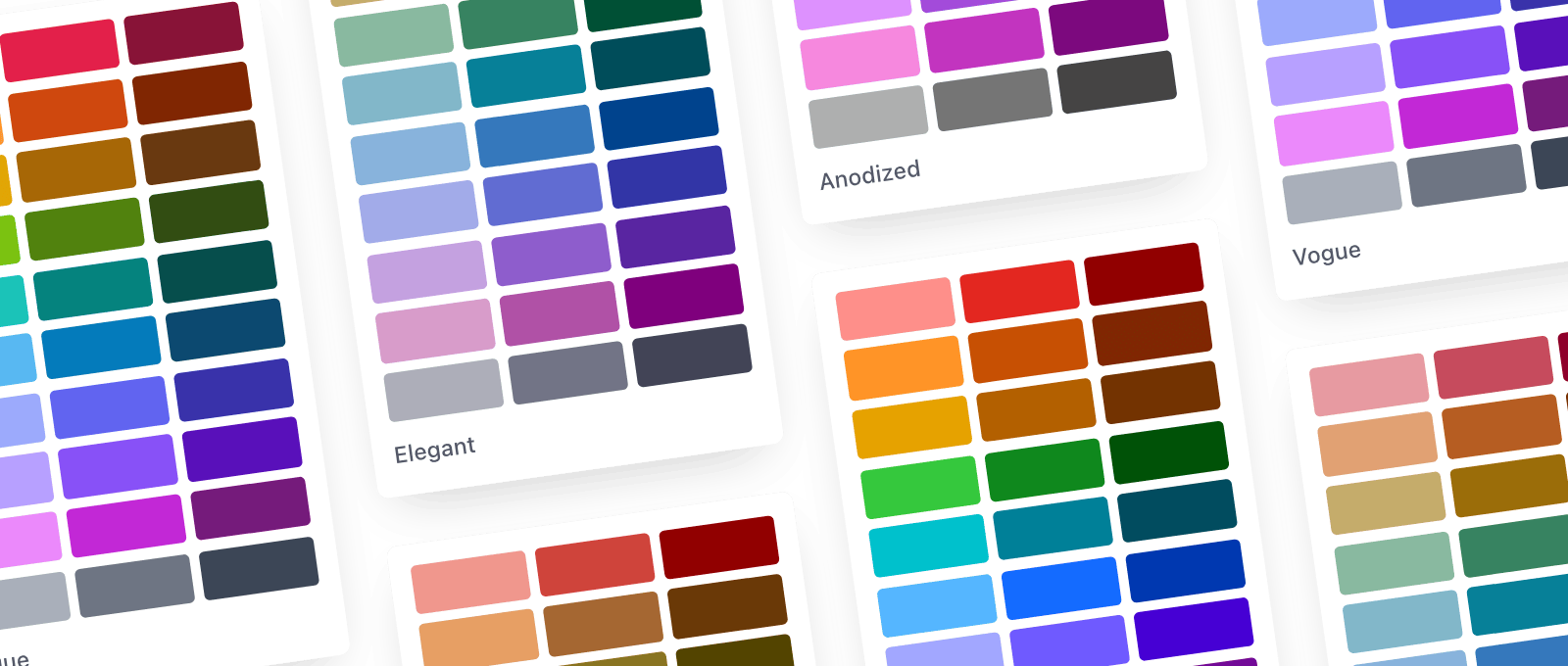
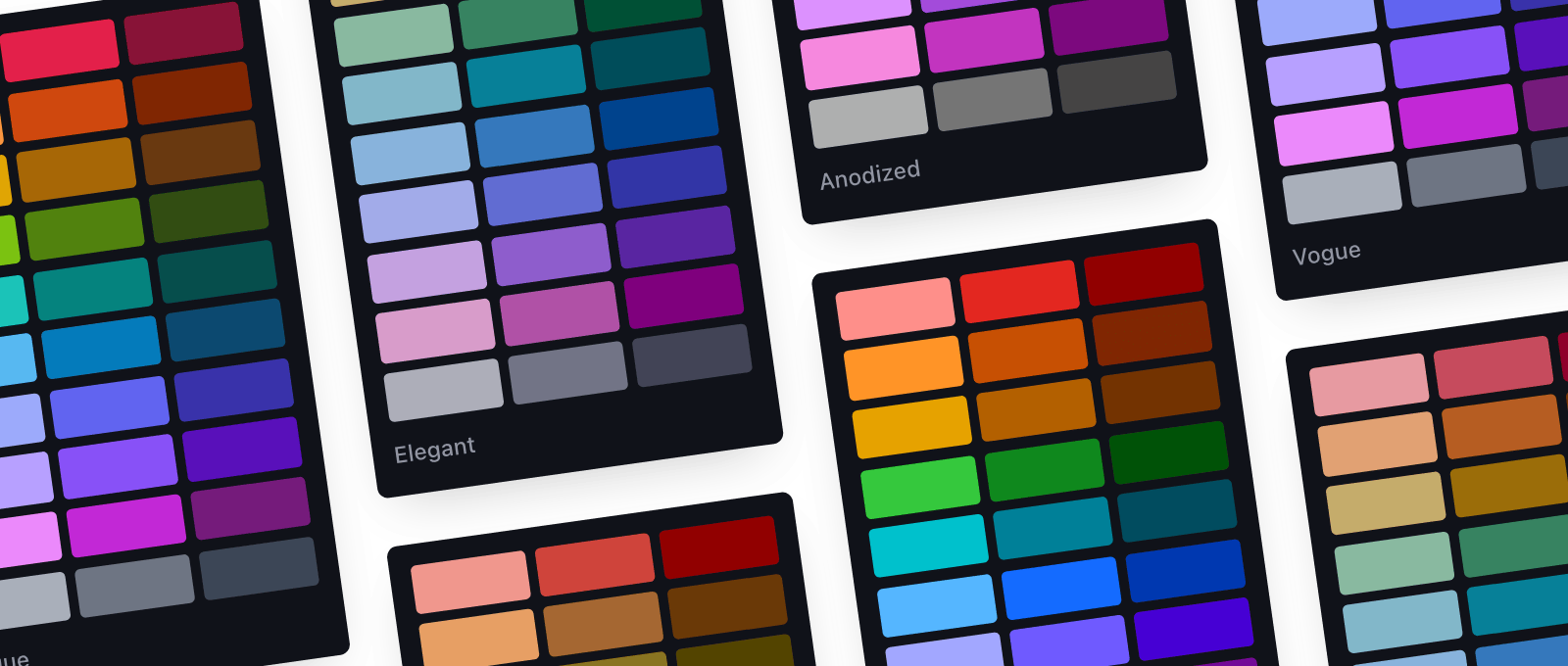
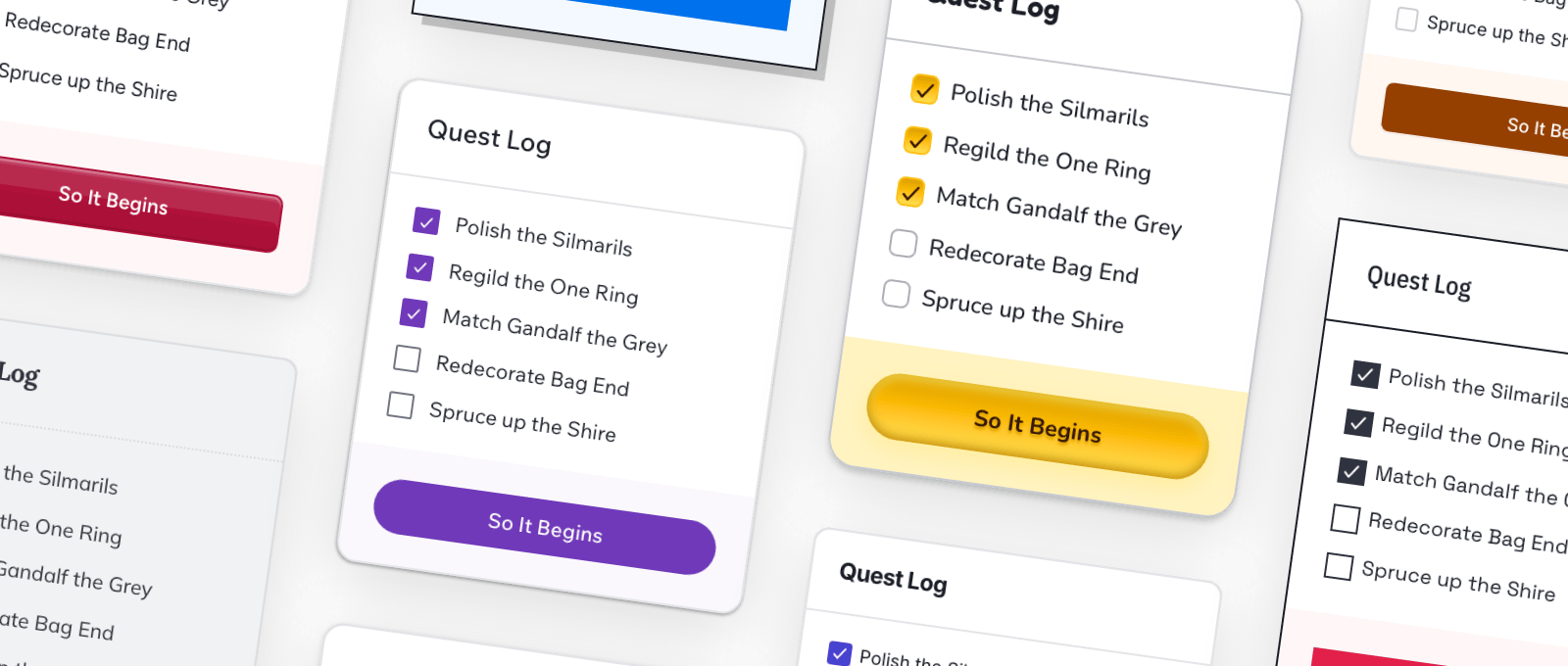
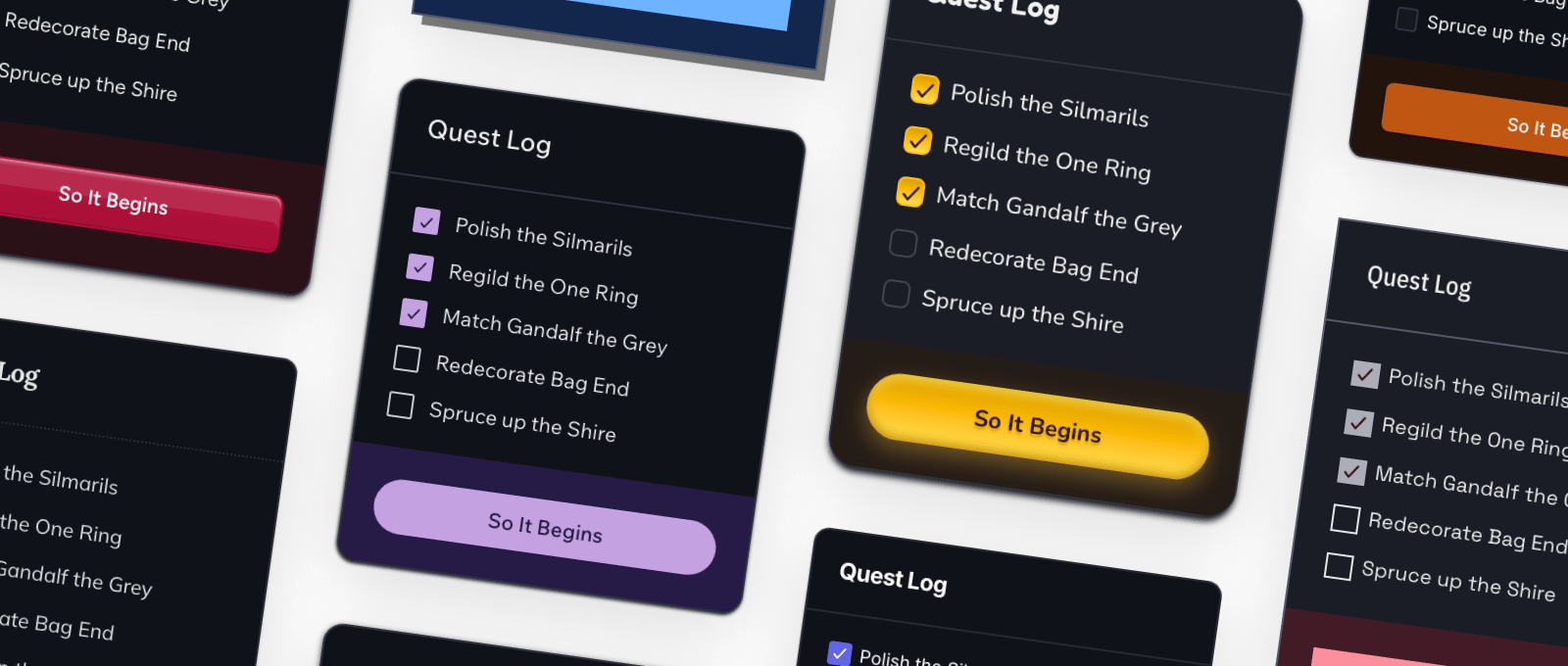
Six Pro color palettes fanned out like paint chips Six Pro color palettes fanned out like paint chips The same interface styled by three different Pro themes The same interface styled by three different Pro themes A collage of ready-made app, blog, and ecommerce pages A collage of ready-made app, blog, and ecommerce pages

Pro Color Palettes

A whole color system without picking a hundred colors or squinting at a contrast checker. Pick the vibe and the whole library follows — readable text and dark mode included.

Pro Themes

A theme sets the whole look and feel in tokens — typography, spacing, borders, shadows, even how variants render. Restyle the entire library by swapping one stylesheet.

Design Patterns

Patterns are ready-made slices of UI bigger than a single component: app screens, blog layouts, ecommerce pages, all responsive and accessible. Paste one in and edit it like any HTML.

Web Awesome Pro Works Where You Work
Your stack. Your tools. Your teammates, too.

However you ship it, Web Awesome Pro comes along. Pull it from our CDN or host it yourself, then put it to work in your AI agent, your Figma files, and the projects you build with your team.

Link to this section
Built for AI Agents Pro CDN Pro Download Pro npm Packages

Teams + Workspaces

A workspace brings your whole team in on one subscription, working from the same themes, projects, and Pro assets. One source of truth for everyone building.

  • Invite Your Team in Minutes
  • Move Seats Between People
  • Shared Themes, Projects, Assets, and Code
  • Unlimited Projects
  • One Bill, Once a Year

Figma Design Kit

Design files and production drift apart. The kit puts the shipped components in Figma, tokens and props included, so a mockup is a promise your code can keep.

  • Mockups Match What Ships
  • Handoff Without Translation
  • Built on the Latest Figma Features
  • Publish to Your Team’s Library
  • Updated with Web Awesome
Feature comparison between Web Awesome Core and Web Awesome Pro
Feature Web Awesome Core Free forever Start for Free Web Awesome Pro / month per seat* Get Pro
Components
Pro Components
Native Styles
CSS + Layout Utilities
Themes
Pro Themes
Color Palettes
Pro Color Palettes
Theme Builder
Color Tools
Design Patterns
Figma Design Kit
Hosted Projects 1 Unlimited
Workspaces Personal Personal + Shared
Perpetual License
Support Level Community Official Team

* Pro subscriptions are billed annually

As many seats as you buy — one seat, one person. Pick any number from 1 to 99 at checkout and invite your team from your workspace.

Anyone who designs or builds with Pro: dropping components into pages, editing themes, working from the Figma Design Kit. People who just use what you ship (clients, stakeholders, end users) don't need one.

Yep. Start small, add seats from your workspace settings whenever you need to, and put people in them right away.

Seats belong to the subscription, not to any one person. When someone leaves, free up their seat and hand it to the next hire.

No. One subscription covers unlimited projects. Seats count people, not websites, so ship as much as you like.

Absolutely. Client work, commercial products, anything you build for someone else. The only wrinkle: if your client's own team wants to keep building with Pro after you hand off, they need seats of their own.

That's the one place Pro can't go. No redistributing Pro components, no selling templates that are mostly Web Awesome. Use Web Awesome Core for that instead — it's MIT-licensed and made for exactly this. Full details in the Pro License.

Per seat, billed once a year — the monthly prices you see are just easier to compare. Your subscription renews annually until you cancel.

Credit and debit cards, bank debits and redirects, and digital wallets like Apple Pay, Google Pay, and Alipay. Checkout runs through Stripe.

Within 30 days of purchase, as long as you haven't downloaded any Pro components or software yet. After that, purchases are final. The Limited Refund Policy has the specifics.

Everything you shipped stays shipped. The perpetual license is yours to keep: use the last Pro version released while you were subscribed on unlimited projects, forever. You just stop getting new components and updates.

Web Awesome Core is free, open source, and always will be. Pro adds the extras: more components, themes, patterns, the Figma Design Kit, shared workspaces. And going Pro is what keeps Core free.

For 5 or more seats we'll build a plan around your team — custom pricing, tailored Pro assets and services, and An Actual Human™ to help. Start your team purchase and we'll take it from there.

Need Pro for a Big Team?
Our plans can flex to fit larger groups, and we’re happy to work out the details with you. Let’s build a plan together.

Buying Pro Backs Open Source

Subscriptions pay for the open-source work directly: code, docs, and the humans doing it. Every subscription makes the project stronger for everyone building with it.

Purchase Web Awesome Pro

Not ready? Web Awesome Core is free, forever.

Go Make Something Awesome
Version 3.12.0 Made with and <wa-split-panel> © Fonticons, Inc.
  • Terms
  • Privacy
  • Refunds
  • Core License
  • Pro License

Quick Links

  • Components
  • CSS Utilities
  • Theming
  • Using with AI
  • Changelog
  • Help & Support

Recent Searches

    D'oh! No results for “”

    Suggest on GitHub Ask on Discord
    Navigate Select
    Close Esc

    We Have Cookies…

    We use cookies to make webawesome.com work better by storing limited information about your usage.

    We value your privacy, so we won't use them for evil or ask you to join the dark side.

    Customize
    Necessary Only Accept All
    Strictly Necessary
    Required to make the site function correctly — cannot be turned off
    Functionality Analytics
    Cancel Confirm Cookie Choices